CLI connection
Install Codex, sign in with ChatGPT and expose the local MCP endpoint when needed.
Embedded conversations
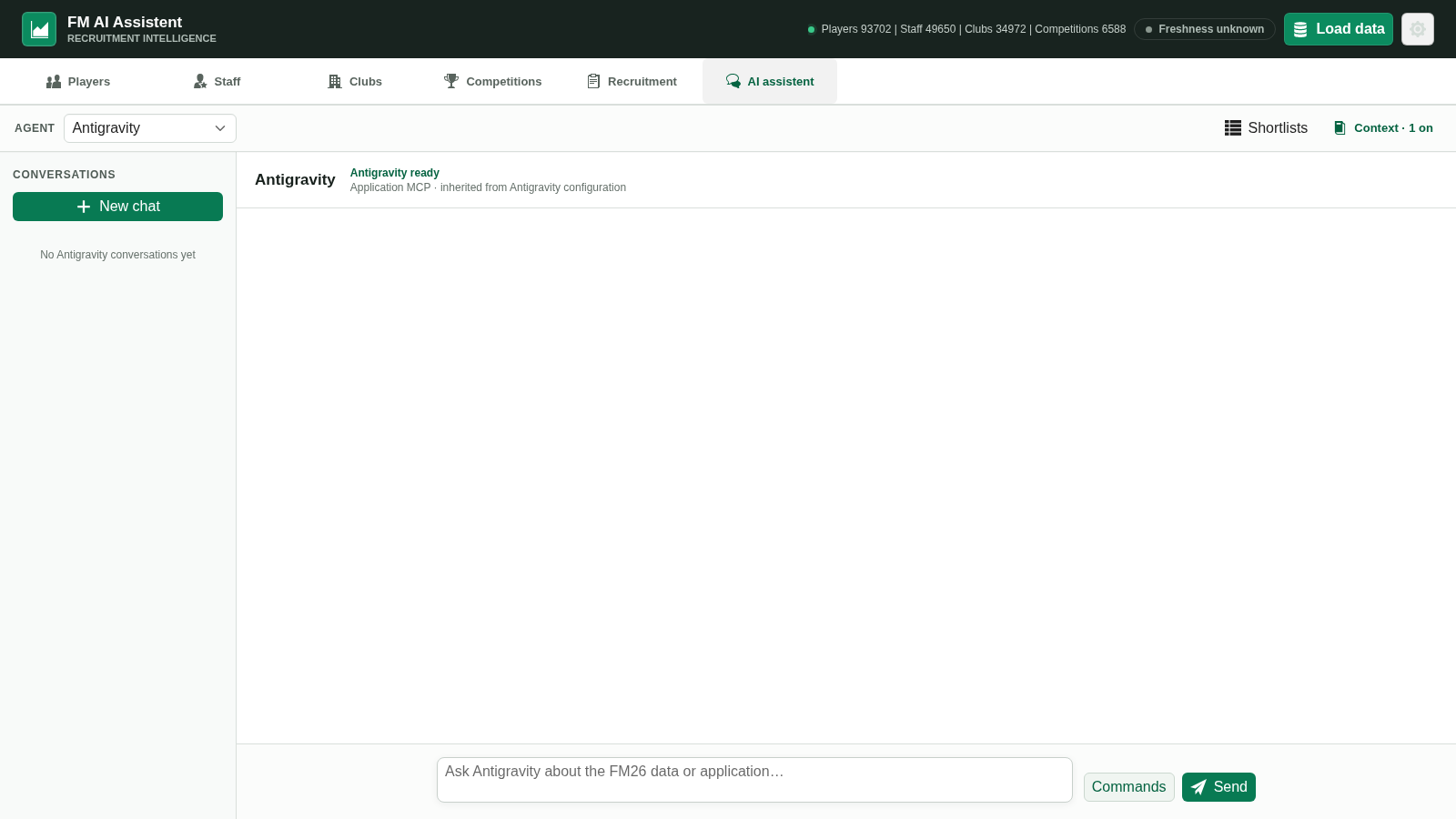
Choose a supported provider, control the context included with your messages and let the assistant call focused FM26 tools against the local snapshot.
“Local app” does not mean every model runs locally. CLI agents use their normal account login; OpenRouter uses a session-held API key and can route to free or paid models.
Install Codex, sign in with ChatGPT and expose the local MCP endpoint when needed.
Install and sign in, then configure the local MCP endpoint and explicit tool permissions.
Use the embedded GitHub sign-in flow and connect the application’s local MCP server.
Submit a masked API key held in backend session memory. Selected models can incur charges.
Built-in command starters cover squad review, lineup construction, recruitment, player comparison, staff and club analysis. Add your own constraints before sending.
Save extraction, tactic decoding, stored snapshot and recruitment board live in the installed application.
Your messages, enabled context and relevant tool results reach the chosen service. Provider accounts, policies, prices and limits apply.
Choose your route
Download the current release from the project’s official GitHub page, then load your FM26 save.