FM26 is running
Open a save and run both programs as the same computer user.
The data path
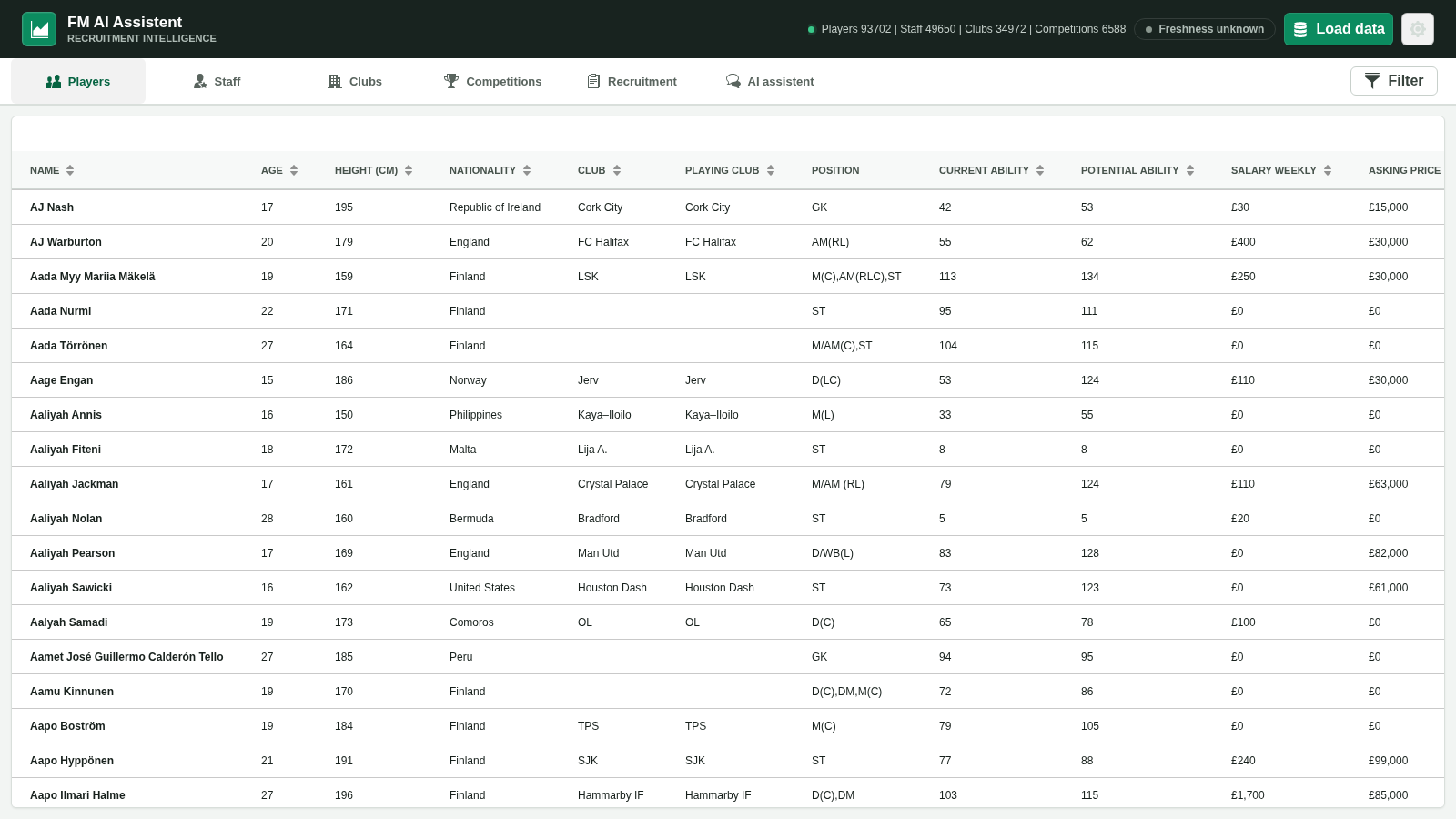
The app reads data available in your running FM26 process when you load or refresh it. That local snapshot powers searches and analysis—it is not a continuously synchronized cloud copy.
Open a save and run both programs as the same computer user.
Select Load data in the app when you want a fresh snapshot.
Player, staff, club and competition readers run concurrently; completed results commit atomically.
Browse locally or allow a selected AI provider to call focused tools.
Snapshot, not stream
After switching saves, changing clubs or advancing to information you want updated, select Load data again. The app can also expose snapshot status and let an authorized agent request a refresh.
If a reader or local database write fails, the previous complete snapshot remains available rather than exposing a half-refreshed dataset.
Accuracy boundaries
RAM decoding, save state and AI reasoning can all be incomplete or stale. Treat outputs as decision support, not authoritative game instructions.
A transfer, injury or contract change after the last load may not appear until the next refresh.
Prices, demands and sale proceeds that are not known remain unknown in decision tools.
An assistant can misunderstand the question or overstate a conclusion. Verify IDs and values in the app and game.
Ready for the next window?
Download the current release from the project’s official GitHub page, then load your FM26 save.