Define the job
Specify position, side, role, age range and constraints.
Player database
Turn the loaded save into a searchable market. Narrow the database with football and financial filters, inspect each candidate and carry verified IDs into comparisons or shortlists.
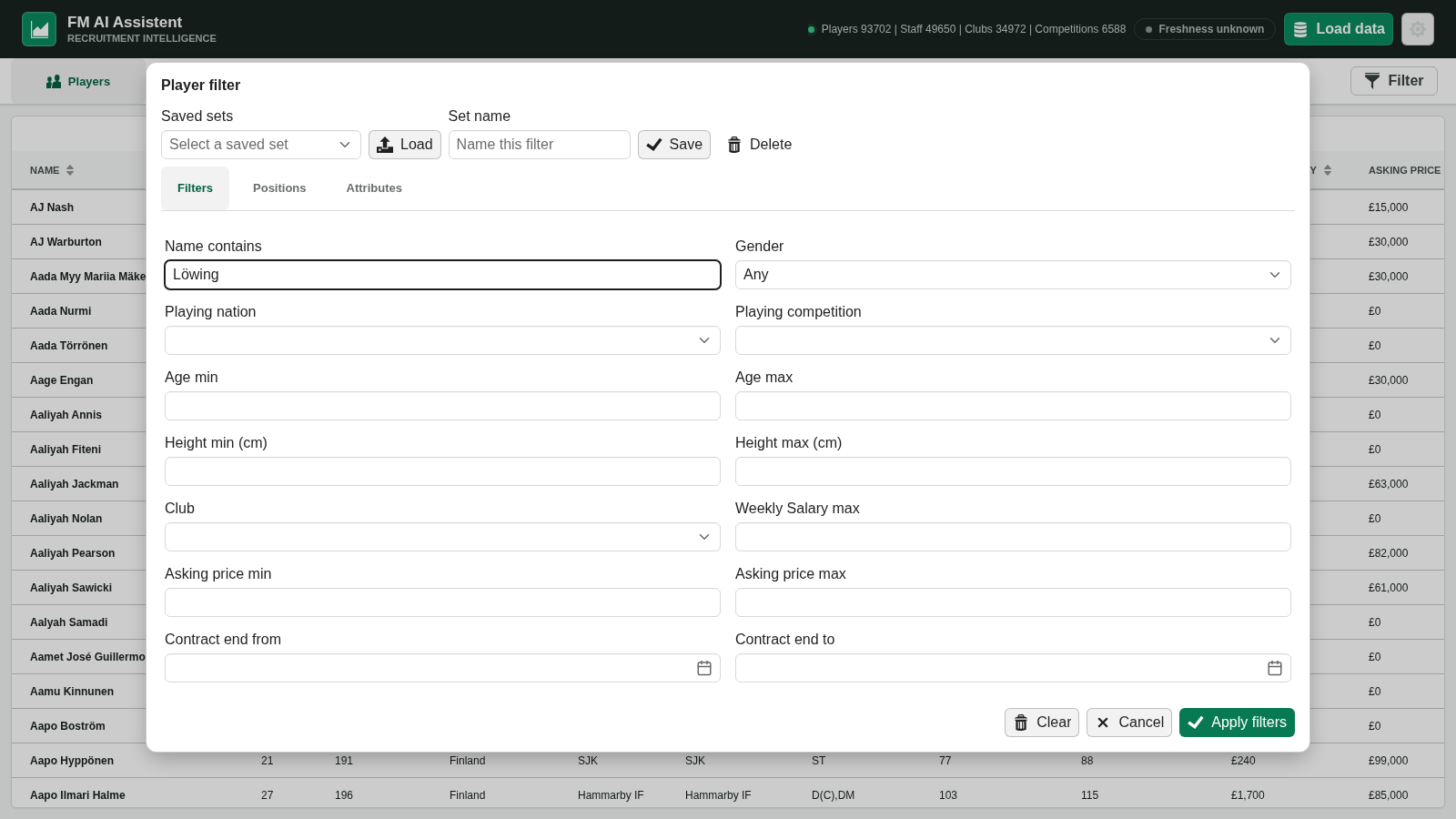
The app documents filters for ability, potential, age, reputation, nationality, club, competition, position, individual attributes, wages, asking price, contract end, height and gender.
A repeatable workflow
Start broad, then make the football question explicit before asking the assistant to rank anyone.
Specify position, side, role, age range and constraints.
Use the database to see what exists in this save.
Open promising profiles and check cost and contract gaps.
Ask the assistant to compare the exact finalists, not name matches.
Boundary: a loaded snapshot can become outdated as the career advances. Select Load data again when you need current game values.
Build your shortlist
Download the current release from the project’s official GitHub page, then load your FM26 save.